.webp)


.svg)


.svg)
.svg)
UX (short for “user experience”) is basically all of the front-facing parts of your website. While you might not think it plays much of a role in earning you new visits, the truth is that it really does, though it would be fair to say that it’s less direct than some other methods.
The general experience of navigating your site is a key signal for search engines and users alike, and it can even hit your advertizer quality scores, so the smoother you can make it, the more traffic that you’ll earn from searches, shares, and even your paid ads.
Here’s how to go about it:
The general experience of navigating your site is a key signal for search engines and users alike, and it can even hit your advertizer quality scores, so the smoother you can make it, the more traffic that you’ll earn from searches, shares, and even your paid ads.
Here’s how to go about it:
1. Improve Your Loading Times
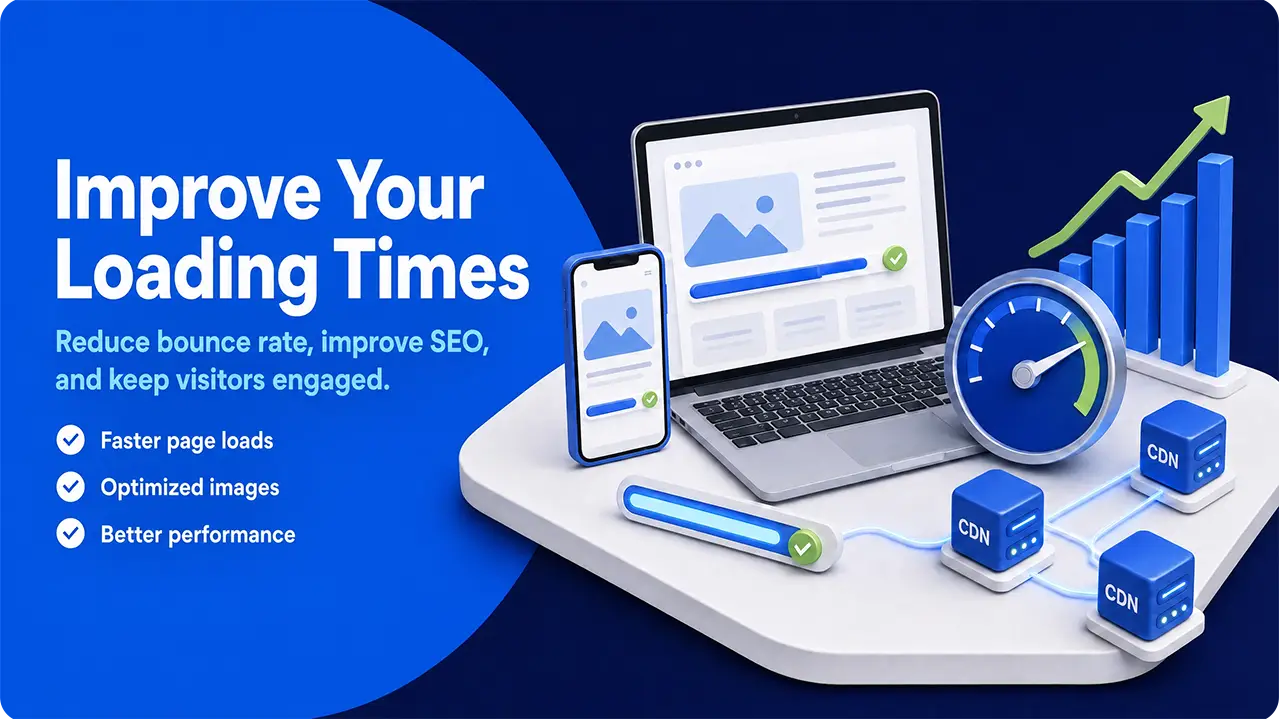
People are impatient, and attention spans are short. Nowhere is this more obvious than waiting for websites to load. In fact, most people will navigate away if it takes more than 10 seconds, with around a third of visitors not even willing to wait that long.
Needless to say, this impatience can massively impact your bounce rate, send negative signals to Google and other search engines, and hurt your search rankings. It also signals that the experience is bad, reducing your advertiser quality score and making it less likely that your ads will be shown to people as they search and browse.
It goes without saying that people won’t organically share your page either- they can’t share it if they don’t stick around to see it. The basic rule is that anything that encourages the traffic you get to stick around is a good thing and will eventually help you get even more traffic.
The average webpage loads in around 2.5 seconds, so this is the benchmark you should be aiming to beat. While this won’t directly bring in any traffic on its own, it is an important step towards a few methods that will bring in traffic. SEO, both for traditional search and AI crawlers, now places a strong emphasis on loading speed.
There are a ton of improvements you can make to your website to speed up the loading process. The main ones are:
Needless to say, this impatience can massively impact your bounce rate, send negative signals to Google and other search engines, and hurt your search rankings. It also signals that the experience is bad, reducing your advertiser quality score and making it less likely that your ads will be shown to people as they search and browse.
It goes without saying that people won’t organically share your page either- they can’t share it if they don’t stick around to see it. The basic rule is that anything that encourages the traffic you get to stick around is a good thing and will eventually help you get even more traffic.
The average webpage loads in around 2.5 seconds, so this is the benchmark you should be aiming to beat. While this won’t directly bring in any traffic on its own, it is an important step towards a few methods that will bring in traffic. SEO, both for traditional search and AI crawlers, now places a strong emphasis on loading speed.
There are a ton of improvements you can make to your website to speed up the loading process. The main ones are:
- Use fewer images
- Optimize the ones you do use- convert PNGs and JPEGs to things like WebP
- Make sure images are sized to fit their containers
- Remove redundant code- cut extra spaces and comments, and delete unused plugins
- Use a content delivery network (CDN) to reduce latency
- Change your host if necessary.
2. Design With Mobile In Mind
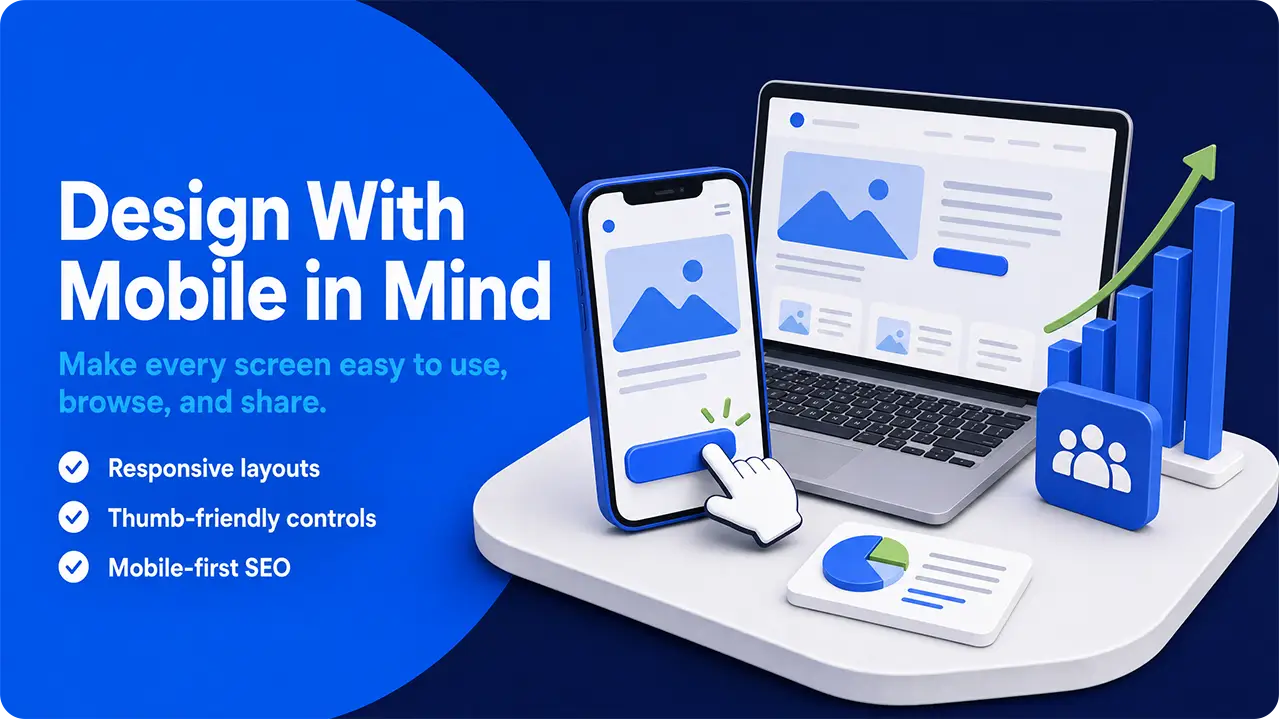
Most traffic these days (somewhere between 51-64%) comes from people using their phones. There are exceptions (certain big purchases, work-related searches, and other “serious” surfing tends to be done on desktop), but generally, more and more traffic comes from mobile devices each year. In terms of generating new traffic, a mobile-friendly design can really help your site stand out to search engines.
This means that any sensible web designer will be creating sites optimized for mobile users, or, ideally, using responsive design so that they can offer the best experience to both people idly browsing on their phones and those using their laptops.
This is really an extension of our last point- a UX that loads quickly, makes navigation easy, and generally offers a pain-free browsing experience will help your bounce rate and improve your other marketing efforts.
Google, which is responsible for around 68% of all organic search traffic, tends to index the mobile version of a website over the desktop version. This means that, while it’s not a direct source of traffic like a paid ad might be, opting for mobile-first design can help your SEO efforts significantly.
It’s also most likely that someone will share your blog with their friends if they’re visiting on mobile, so making these visitors the priority is a no-brainer for anyone looking to increase their traffic.
Mobile-first design means avoiding clutter, keeping images to a minimum, and having buttons and menus large enough to be easily used with a thumb. A single-column layout with vertical scroll and short paragraphs makes your content easier to parse for someone browsing on a 6-inch screen too.
This means that any sensible web designer will be creating sites optimized for mobile users, or, ideally, using responsive design so that they can offer the best experience to both people idly browsing on their phones and those using their laptops.
This is really an extension of our last point- a UX that loads quickly, makes navigation easy, and generally offers a pain-free browsing experience will help your bounce rate and improve your other marketing efforts.
Google, which is responsible for around 68% of all organic search traffic, tends to index the mobile version of a website over the desktop version. This means that, while it’s not a direct source of traffic like a paid ad might be, opting for mobile-first design can help your SEO efforts significantly.
It’s also most likely that someone will share your blog with their friends if they’re visiting on mobile, so making these visitors the priority is a no-brainer for anyone looking to increase their traffic.
Mobile-first design means avoiding clutter, keeping images to a minimum, and having buttons and menus large enough to be easily used with a thumb. A single-column layout with vertical scroll and short paragraphs makes your content easier to parse for someone browsing on a 6-inch screen too.
3. Use Your Headings To Ask Questions
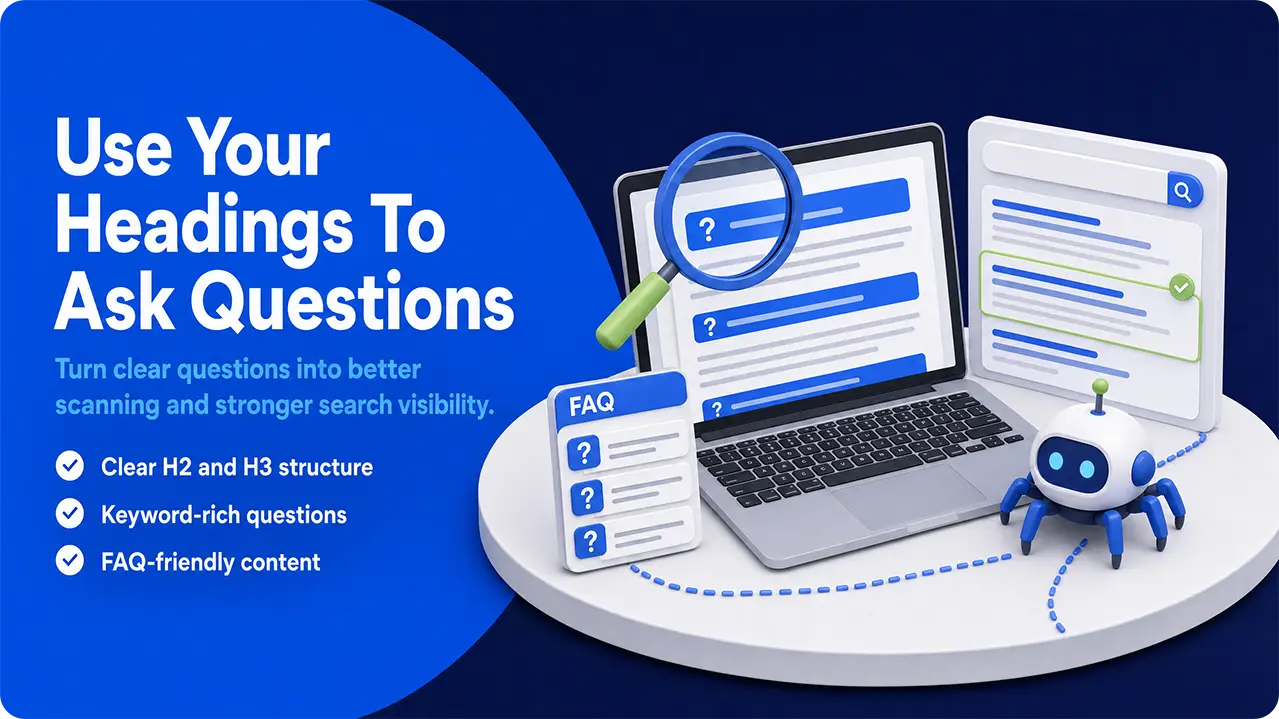
Headings are another feature that plays a dual role in UX design. Firstly, and most obviously, they break up your text for your readers, letting them scan and find the relevant bits of information quickly and easily. Secondly, they make your content stand out to search engine crawlers and AIs.
Headings are another feature that plays a dual role in UX design. Firstly, and most obviously, they break up your text for your readers, letting them scan and find the relevant bits of information quickly and easily. Secondly, they make your content stand out to search engine crawlers and AIs.
H2s and H3s are a fantastic place to reinforce your keywords and modern searches will often lead users directly to the most relevant section. AIs make particularly heavy use of your headings when constructing their answers too, which can lead to a significant boost in your website visits as people follow their recommendations.
It’s often a good idea to use these headings to ask the questions that your content will answer. Not only does this allow you to squeeze in your keywords easily, it really makes them stand out to search engines and AIs.
A particularly good place to make use of this aspect of UX design is in an FAQ section at the bottom of product pages and blogs. This is a natural place for people and robots to search for answers and lets you include them without cluttering up your design too much.
Again, simply having some snazzy headings scattered throughout your site isn’t going to bring in traffic by itself, but coupled with some original copy that really answers the kind of things that people are searching for, it can help your SEO efforts significantly.
Headings are another feature that plays a dual role in UX design. Firstly, and most obviously, they break up your text for your readers, letting them scan and find the relevant bits of information quickly and easily. Secondly, they make your content stand out to search engine crawlers and AIs.
H2s and H3s are a fantastic place to reinforce your keywords and modern searches will often lead users directly to the most relevant section. AIs make particularly heavy use of your headings when constructing their answers too, which can lead to a significant boost in your website visits as people follow their recommendations.
It’s often a good idea to use these headings to ask the questions that your content will answer. Not only does this allow you to squeeze in your keywords easily, it really makes them stand out to search engines and AIs.
A particularly good place to make use of this aspect of UX design is in an FAQ section at the bottom of product pages and blogs. This is a natural place for people and robots to search for answers and lets you include them without cluttering up your design too much.
Again, simply having some snazzy headings scattered throughout your site isn’t going to bring in traffic by itself, but coupled with some original copy that really answers the kind of things that people are searching for, it can help your SEO efforts significantly.
4. Make Sharing Easy
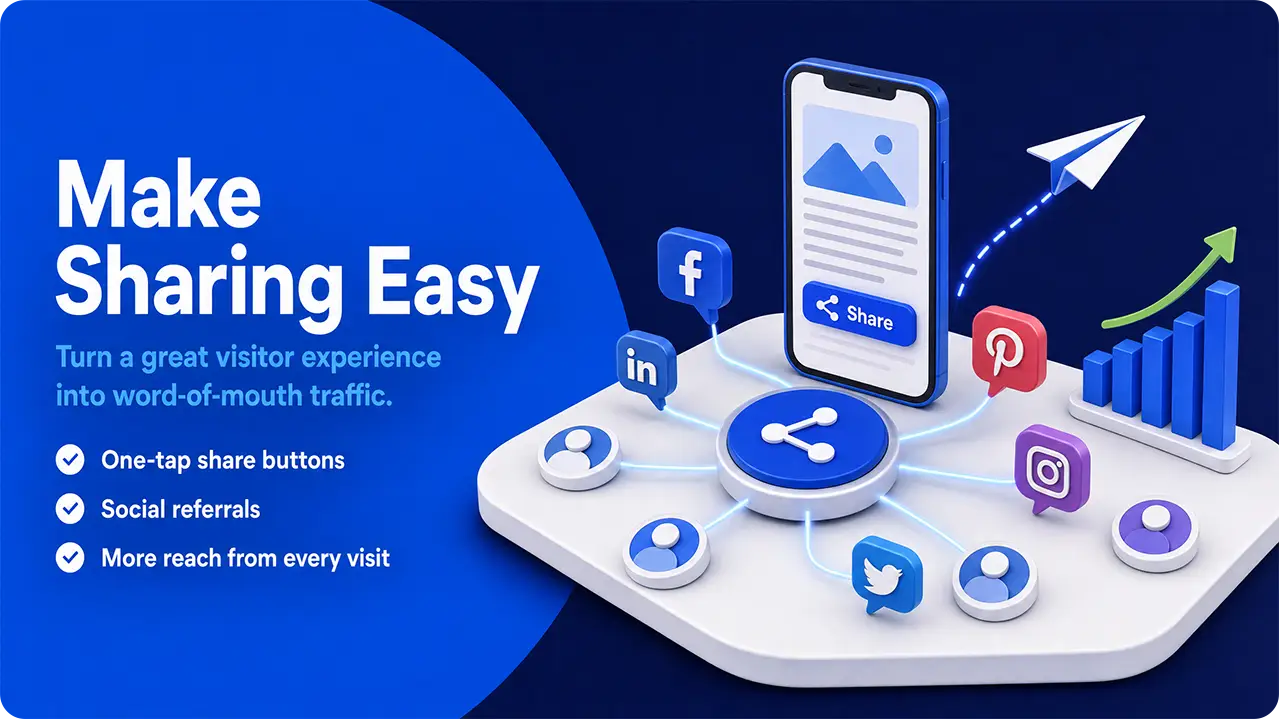
It’s a basic rule of marketing that nothing beats word of mouth, and in the digital age, that generally means someone visiting your site and sharing it with their friends and family. Think about it from your visitors’ point of view- which would you trust more: someone clearly trying to sell you something, or a friend recommending something they like?
A simple plugin can embed social media sharing buttons for all the largest platforms on your content, allowing people to show their friends and recommend your site with very little extra effort on their side; all it takes is a tap on the icon.
We call these social media referrals, and they can account for anywhere between 5-15% of your total web traffic on average (depending on your industry- some, like news sites, might reach as high as 30%). Almost uniquely on this list, making sharing easy really can bring in a surprising amount of traffic directly.
A simple plugin can embed social media sharing buttons for all the largest platforms on your content, allowing people to show their friends and recommend your site with very little extra effort on their side; all it takes is a tap on the icon.
We call these social media referrals, and they can account for anywhere between 5-15% of your total web traffic on average (depending on your industry- some, like news sites, might reach as high as 30%). Almost uniquely on this list, making sharing easy really can bring in a surprising amount of traffic directly.
5. Keep Your Menus Simple
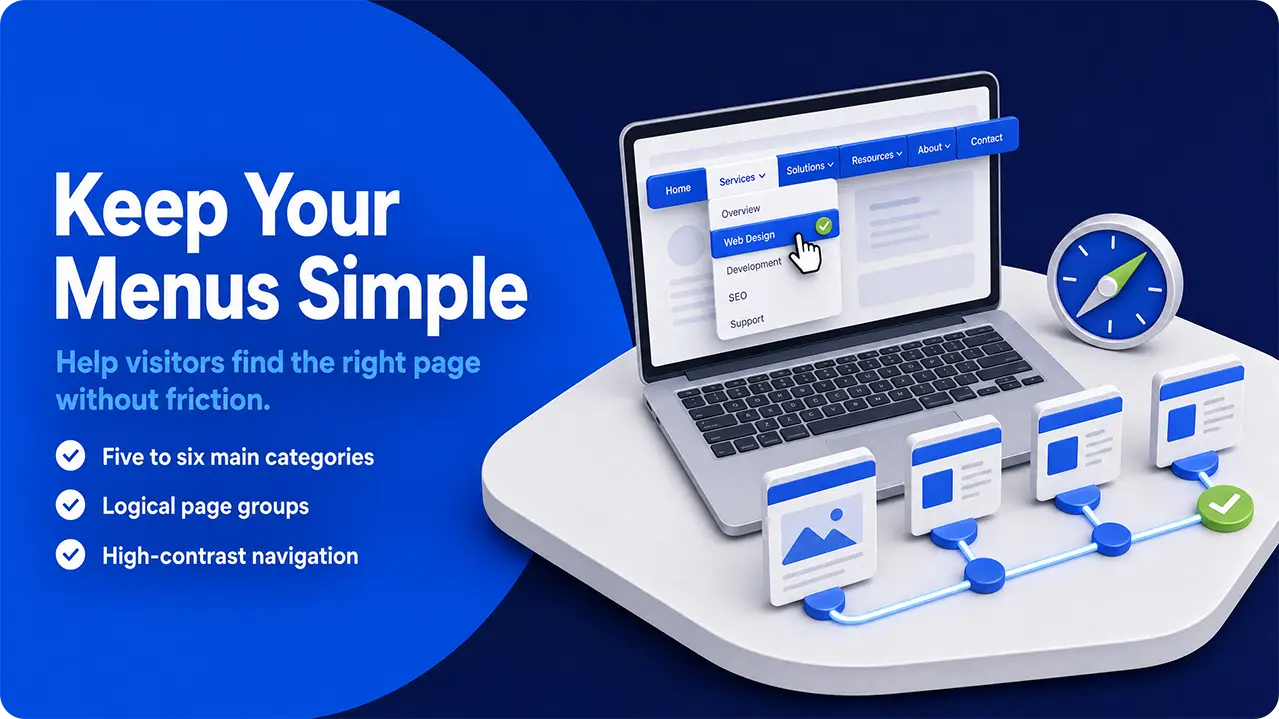
There’s nothing worse than being sure that something is available on a site but not being able to find it. A simple, well-structured menu can make all the difference and help a single visitor navigate around your site, taking in way more of your content and spreading your traffic throughout your site.
They also play a huge role in how easy your pages are for search engines and AIs to index, making it more likely that they will recommend you to their users and generate a little extra traffic.
There are a few standard designs that you’ll find on most websites, and visitors have come to expect them:
They also play a huge role in how easy your pages are for search engines and AIs to index, making it more likely that they will recommend you to their users and generate a little extra traffic.
There are a few standard designs that you’ll find on most websites, and visitors have come to expect them:
- A primary menu should have around 5-6 high-level categories consisting of your most important pages.
- Subheadings should be grouped into logical groups.
- Things should be listed in order of importance - products/shop should be front and center.
- Secondary pages, like your privacy policy and sitemap, should be kept in the footer menu.
- Keep category names simple- like “Blog” rather than “read our blog here”.
- Use a high-contrast color scheme to make navigation easy.
While your menu design probably won’t net you much new traffic by itself, it does play a major role in improving the general vibes of your UX and encourages users to linger and browse, improving your bounce rate (and therefore your SEO and Advertiser Score) and helping turn a single point of contact into something larger and more valuable.
6. Deploy Internal Links Through Your Content
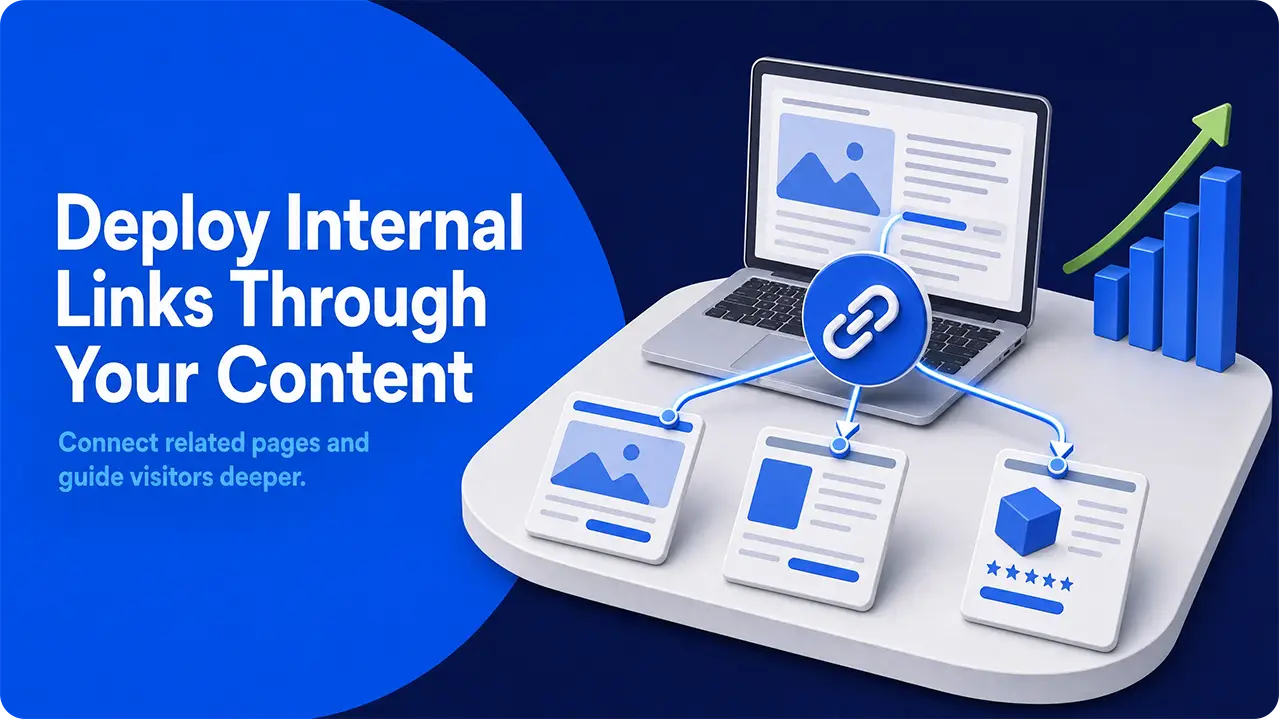
Internal linking is another great way of helping your users navigate your website, helping to lead them from one topic to another, and unlike your menus, it can have a direct impact on bringing in new traffic too.
The general principle is that your UX should be relatively clean, and that means that your blogs and product descriptions have to be fairly short and punchy. This doesn’t leave you much space for getting into the details of tangents and explanations of related topics. An internal link lets you guide visitors to a space where you can get into details.
Not only are these internal links useful for people who have already found your site, but they’re a great way of boosting your SEO too, so they can directly help you get more traffic. By spreading authority from your blogs to your landing pages and products, you can help them appeal to search engines, improving your rankings and getting more organic traffic that way.
While internal links are fantastic at keeping traffic flowing around your website once someone has visited, they won’t bring in much by themselves. Their real value in traffic acquisition is in the way they spread authority around your website, making it more likely that your landing pages will rank and attract traffic that way.
For the best effect, they’re best deployed as part of a comprehensive SEO plan.
The general principle is that your UX should be relatively clean, and that means that your blogs and product descriptions have to be fairly short and punchy. This doesn’t leave you much space for getting into the details of tangents and explanations of related topics. An internal link lets you guide visitors to a space where you can get into details.
Not only are these internal links useful for people who have already found your site, but they’re a great way of boosting your SEO too, so they can directly help you get more traffic. By spreading authority from your blogs to your landing pages and products, you can help them appeal to search engines, improving your rankings and getting more organic traffic that way.
While internal links are fantastic at keeping traffic flowing around your website once someone has visited, they won’t bring in much by themselves. Their real value in traffic acquisition is in the way they spread authority around your website, making it more likely that your landing pages will rank and attract traffic that way.
For the best effect, they’re best deployed as part of a comprehensive SEO plan.
7. Lay a Trail of Breadcrumbs
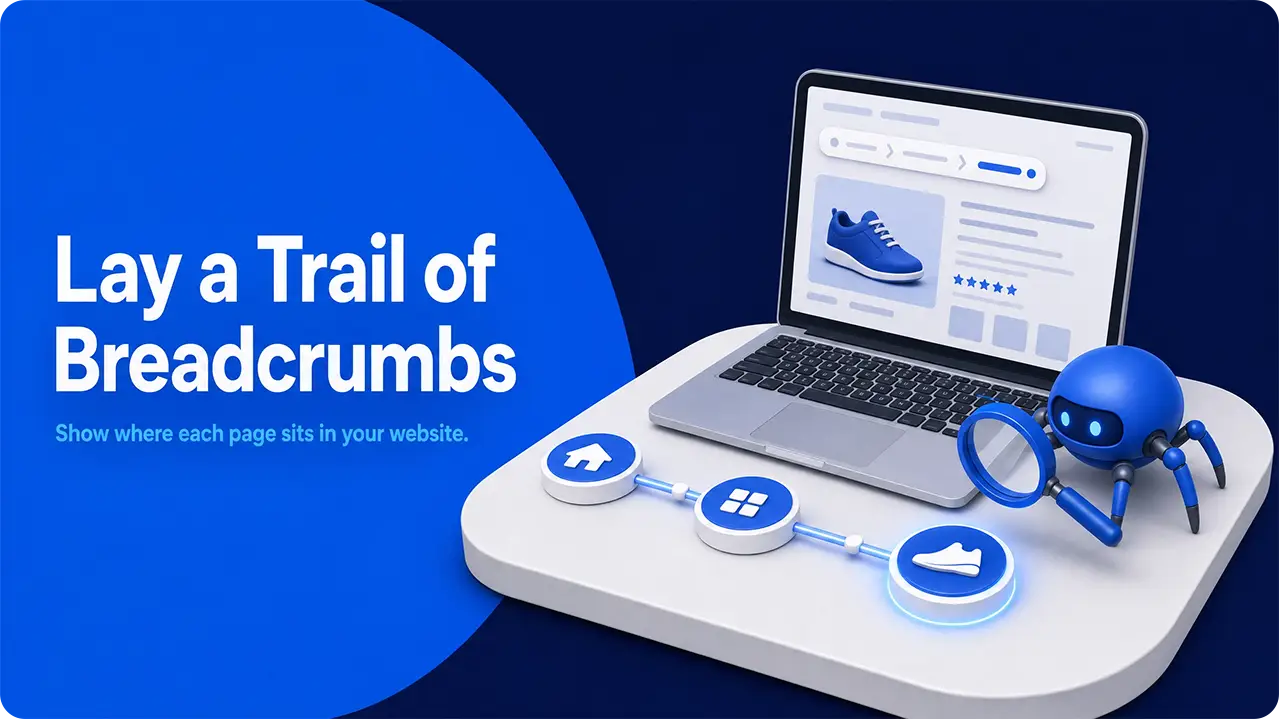
Breadcrumbs, in the UX sense, are a form of secondary navigation tool. They usually appear as a string of internal links across the top of your content and give users and crawlers a better sense of where exactly on your website they’ve landed. They basically mark out the hierarchy of your content.
Again, implementing a breadcrumb navigation system on your site is mostly useful for those who have already visited, rather than as a method of attracting traffic in and of itself.
That being said, they can play a small role in helping search engines and AIs make sense of your content, making it a more tempting thing for them to serve up to their users.
They serve a couple of purposes when it comes to directing traffic through your site:
Again, implementing a breadcrumb navigation system on your site is mostly useful for those who have already visited, rather than as a method of attracting traffic in and of itself.
That being said, they can play a small role in helping search engines and AIs make sense of your content, making it a more tempting thing for them to serve up to their users.
They serve a couple of purposes when it comes to directing traffic through your site:
- On the user end, they make it easy to navigate to a higher-level part of your site. Say someone landed on a particular product page from their search, but it’s not quite what they wanted. A breadcrumb menu lets them navigate up one level with a single click, rather than struggling through menus and search bars.
- From an SEO perspective, they make the structure of your site explicitly clear to crawlers and AIs, making it more tempting for them to rank your pages and helping them to understand what you’re really offering.
For the best impact on your SEO, use BreadcrumbList markup so that Google and other search engines and AIs can follow your hierarchy even more easily. This form of structured data can really help search engines and AI understand the nature of your content and feel more confident in recommending your page to their users.
Problems With Using UX To Boost Your Traffic Flow
While UX plays a massive role in how successful your other marketing efforts are (particularly SEO and paid ads), it’s not a standalone solution, and it’s not without its problems.
Keeping your site design in line with accessibility guidelines, making it visually appealing to both mobile and desktop users, and having it guide people through multiple pages smoothly can be challenging and often requires at least a little compromise. There’s no such thing as the perfect UX, so you will have to make choices.
There’s also always the cost to consider. Website redesigns can be expensive, and if there’s one thing we can say about users, it’s that they can be resistant to change. There is always the risk that an overreaching UX redesign might drive away your regular visitors who have become used to the old design without bringing in more to replace them.
While UX absolutely does have an impact on how search engines and AIs see your site, and a nice, well-designed page can encourage people to share with their friends, ultimately, UX design is mostly about the experience people have as they visit, rather than a primary method of attracting new traffic.
Keeping your site design in line with accessibility guidelines, making it visually appealing to both mobile and desktop users, and having it guide people through multiple pages smoothly can be challenging and often requires at least a little compromise. There’s no such thing as the perfect UX, so you will have to make choices.
There’s also always the cost to consider. Website redesigns can be expensive, and if there’s one thing we can say about users, it’s that they can be resistant to change. There is always the risk that an overreaching UX redesign might drive away your regular visitors who have become used to the old design without bringing in more to replace them.
While UX absolutely does have an impact on how search engines and AIs see your site, and a nice, well-designed page can encourage people to share with their friends, ultimately, UX design is mostly about the experience people have as they visit, rather than a primary method of attracting new traffic.
How To Use UX To Increase Your Traffic
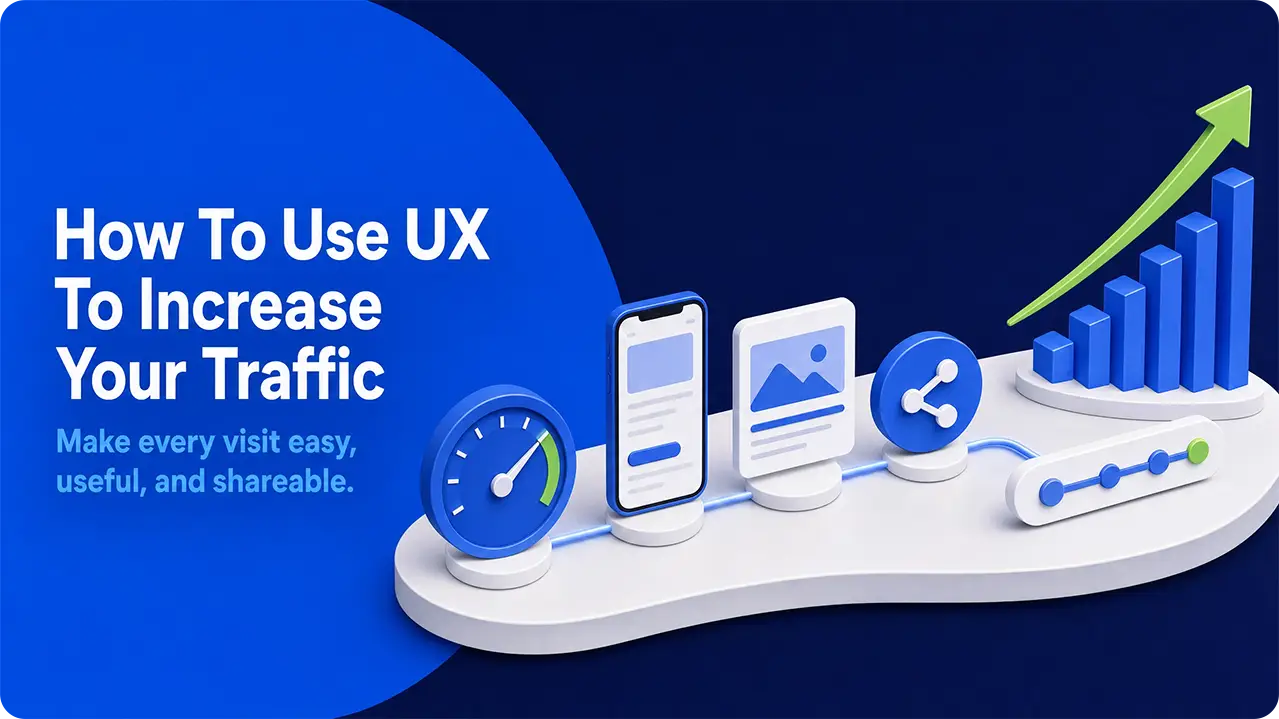
While a UX redesign isn’t going to bring in huge numbers of new visitors by itself, it can help you earn visits from search engines, AI recommendations, and people sharing with friends and family.
The basic premise is to make visiting your site as pain-free and easy as possible. The key ways to go about this are:
The basic premise is to make visiting your site as pain-free and easy as possible. The key ways to go about this are:
- Make sure your page loads as quickly as possible to reduce bounce rate
- Either use responsive design or design with mobile users in mind
- Use headings to break up your content for users and stand out to AIs and search engines
- Make it easy for people to share your content
- Keep your menus simple and well organized so people can navigate easily
- Use internal links to boost your SEO and guide people around your site
- Use breadcrumb menus to show your content hierarchy and help people navigate
A good UX can be the difference between your visitors sticking around, reading, and sharing your content or clicking away. While it’s not primarily a traffic-generating exercise in and of itself, ignoring it would be silly.