.webp)


.svg)


.svg)
.svg)
ChatGPT referrals are worth measuring because they can signal a visitor who has already asked a detailed question and wants evidence, a product page, or the next step. At the same time, it helps to keep the numbers in perspective. ChatGPT reached 900 million weekly active users in February 2026, yet a Reuters Institute analysis finds Google Search still sends publishers about 500 times as many referrals as ChatGPT. The point of learning to track ChatGPT traffic is therefore not volume panic. It is finding the pages and journeys where an AI-referred human gets real value.
This October 2026 tutorial uses GA4's native AI Assistant channel first, then adds source-level analysis, campaign-tagging checks, and a custom safety net. You will finish with a repeatable way to separate known ChatGPT visits from traffic that cannot be identified with certainty.
This October 2026 tutorial uses GA4's native AI Assistant channel first, then adds source-level analysis, campaign-tagging checks, and a custom safety net. You will finish with a repeatable way to separate known ChatGPT visits from traffic that cannot be identified with certainty.
Set the right goal before you track ChatGPT traffic
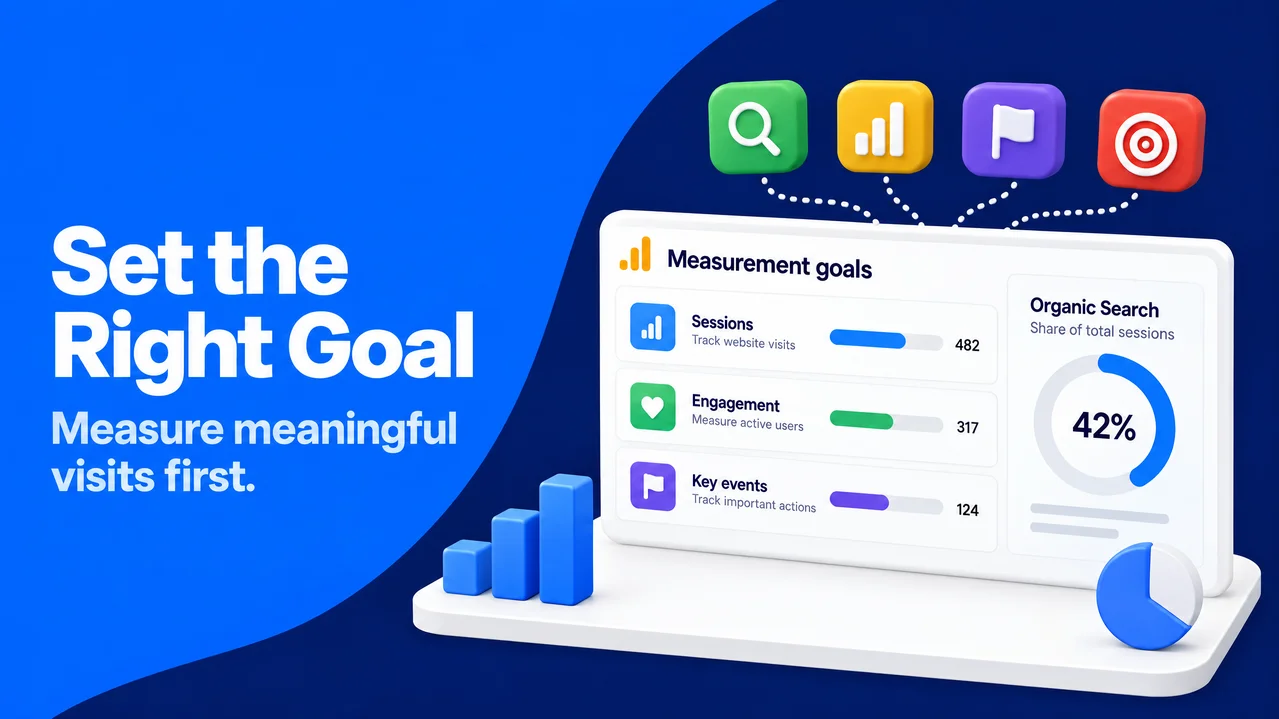
A ChatGPT session is an acquisition signal, not a verdict on content quality. Across 27 markets, only 4% of respondents say they always or often click to original sources from AI assistants, compared with 19% from search. Those who do click often seek more detail or want to learn about the source, according to the Reuters Institute's 2026 research. That makes relevance after the click more useful than a raw session count.
Before opening a report, you can decide which human outcome matters. For an information page, that might be an engaged session or newsletter sign-up. For a product page, it could be a qualified form start, demo request, or purchase. This puts the visitor's purpose ahead of a channel label.
A useful starting point is a baseline for the past four to eight weeks: ChatGPT sessions, engagement rate, selected key events, and key events per session. You can compare it with Organic Search. Google is the far larger referral source, so a useful ChatGPT pattern can be small and high intent.
Before opening a report, you can decide which human outcome matters. For an information page, that might be an engaged session or newsletter sign-up. For a product page, it could be a qualified form start, demo request, or purchase. This puts the visitor's purpose ahead of a channel label.
A useful starting point is a baseline for the past four to eight weeks: ChatGPT sessions, engagement rate, selected key events, and key events per session. You can compare it with Organic Search. Google is the far larger referral source, so a useful ChatGPT pattern can be small and high intent.
Find the native AI Assistant channel in GA4
GA4 now has an AI Assistant channel in its Default Channel Group. It is the cleanest first place to check ChatGPT traffic because GA4 classifies matching AI-assistant referrers with the medium ai-assistant and the campaign (ai-assistant). The channel includes other assistants too, so you will narrow it to ChatGPT in the next section.
SparkTraffic, a website traffic platform that delivers real, geo-targeted visitors and teaches analytics QA and UTM tagging, maps the full set of AI traffic sources on one page, which helps before you interpret a single ChatGPT report. This matters because an assistant-traffic rise may reflect a mix of sources.
A practical first check follows this menu path:
SparkTraffic, a website traffic platform that delivers real, geo-targeted visitors and teaches analytics QA and UTM tagging, maps the full set of AI traffic sources on one page, which helps before you interpret a single ChatGPT report. This matters because an assistant-traffic rise may reflect a mix of sources.
A practical first check follows this menu path:
- You can open your GA4 property and select Reports in the left menu.
- The next selections are Acquisition, then Traffic acquisition.
- The date range should match the period you use for your normal weekly review.
- You can use the table's primary dimension for Session default channel group and find AI Assistant.
- A comparison or report filter can specify where Session default channel group exactly matches AI Assistant.
Useful metrics are Sessions, Engaged sessions, Engagement rate, and relevant Key events. A key event is an important event, such as generate_lead or purchase. This report does not identify the individual assistant.
If AI Assistant is absent, you can confirm that the period includes data and no comparison limits the table. An empty channel can mean no matched assistant referrers appeared, not that nobody read your pages in ChatGPT.
If AI Assistant is absent, you can confirm that the period includes data and no comparison limits the table. An empty channel can mean no matched assistant referrers appeared, not that nobody read your pages in ChatGPT.
How to track ChatGPT traffic in GA4 with a source exploration
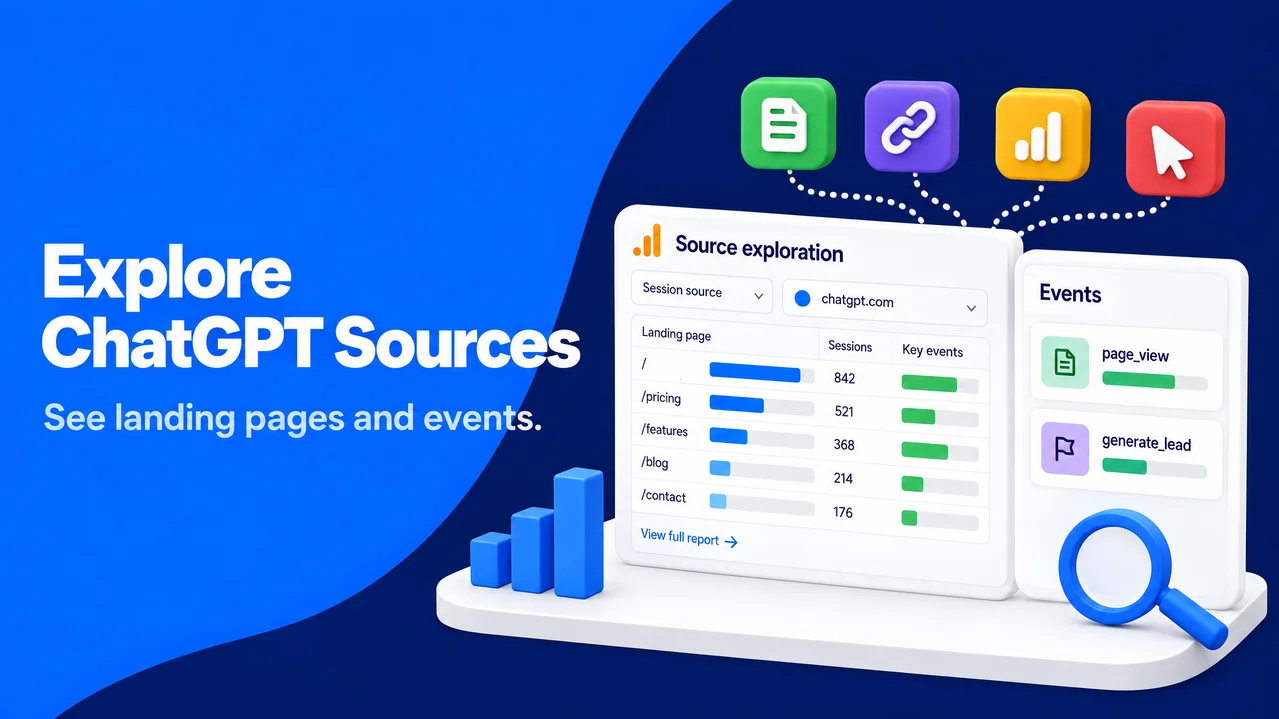
The native channel is a classification layer, while an Exploration lets you isolate a source and ask page-level questions. GA4 Explorations combine dimensions, such as source and landing page, with sessions and key events. This is the most direct answer to how to track ChatGPT traffic in GA4 when you need more than a channel total.
You can go to Explore, select Blank, and name the tab “ChatGPT source review.” It helps to set the date range in Variables before adding data. A partial week can make a normal pattern look like a sudden change.
In Variables, you can add these dimensions:
You can go to Explore, select Blank, and name the tab “ChatGPT source review.” It helps to set the date range in Variables before adding data. A partial week can make a normal pattern look like a sudden change.
In Variables, you can add these dimensions:
- Session source
- Landing page + query string
- Session default channel group
- Event name
Useful additions are Sessions, Engaged sessions, Engagement rate, Key events, and Total revenue if recorded. In Tab settings, you can place Landing page + query string in Rows and metrics in Values. The next step is to filter where Session source contains chatgpt. This catches a value such as chatgpt.com without one exact spelling.
The table shows landing pages that a ChatGPT-attributed session entered first. Adding Session default channel group as a second row lets you see AI Assistant, Referral, or Direct. It helps to save the exploration before exporting a CSV for next week's comparison.
A second tab can show event quality. You can keep the filter, put Event name in Rows, and use Key events and Event count in Values. page_view events alone do not show that the visitor found the answer useful.
The table shows landing pages that a ChatGPT-attributed session entered first. Adding Session default channel group as a second row lets you see AI Assistant, Referral, or Direct. It helps to save the exploration before exporting a CSV for next week's comparison.
A second tab can show event quality. You can keep the filter, put Event name in Rows, and use Key events and Event count in Values. page_view events alone do not show that the visitor found the answer useful.
Read landing pages and key events in context
A landing-page report can look precise while still hiding an important question: did the page satisfy the person who clicked? A citation may send someone to a broad guide when they need one definition, or to a product page when they are still comparing options. This is why you should read the page, the query context when available, and the event pattern together.
A useful starting point is the ten landing pages with the most ChatGPT sessions. For each page, you can compare engagement rate and key events per session with that page's Organic Search benchmark. A lower volume page with a strong form-completion rate can be more useful than a popular page with no next-step activity. This comparison works because it controls, at least partly, for the page itself instead of comparing unrelated content types.
Then you can inspect the page experience as a visitor would. It pays to put the direct answer near the top, use sources for claims that need proof, show a clear next action, and keep forms proportionate to the request. For health, financial, legal, or other high-stakes material, update dates, author qualifications, and disclosures deserve extra attention. AI referrals may begin with a summary, but people still evaluate trust when they reach your site.
Rewriting a page just to chase an assistant citation is best avoided. Overoptimized copy and thin pages can disappoint real people, even if a referral report briefly improves. A better response to a strong referral page is to strengthen its evidence, clarify the promised topic, and test a human-friendly next step on a noindex test version where appropriate.
A useful starting point is the ten landing pages with the most ChatGPT sessions. For each page, you can compare engagement rate and key events per session with that page's Organic Search benchmark. A lower volume page with a strong form-completion rate can be more useful than a popular page with no next-step activity. This comparison works because it controls, at least partly, for the page itself instead of comparing unrelated content types.
Then you can inspect the page experience as a visitor would. It pays to put the direct answer near the top, use sources for claims that need proof, show a clear next action, and keep forms proportionate to the request. For health, financial, legal, or other high-stakes material, update dates, author qualifications, and disclosures deserve extra attention. AI referrals may begin with a summary, but people still evaluate trust when they reach your site.
Rewriting a page just to chase an assistant citation is best avoided. Overoptimized copy and thin pages can disappoint real people, even if a referral report briefly improves. A better response to a strong referral page is to strengthen its evidence, clarify the promised topic, and test a human-friendly next step on a noindex test version where appropriate.
Check traffic from ChatGPT with UTM parameters and referral data
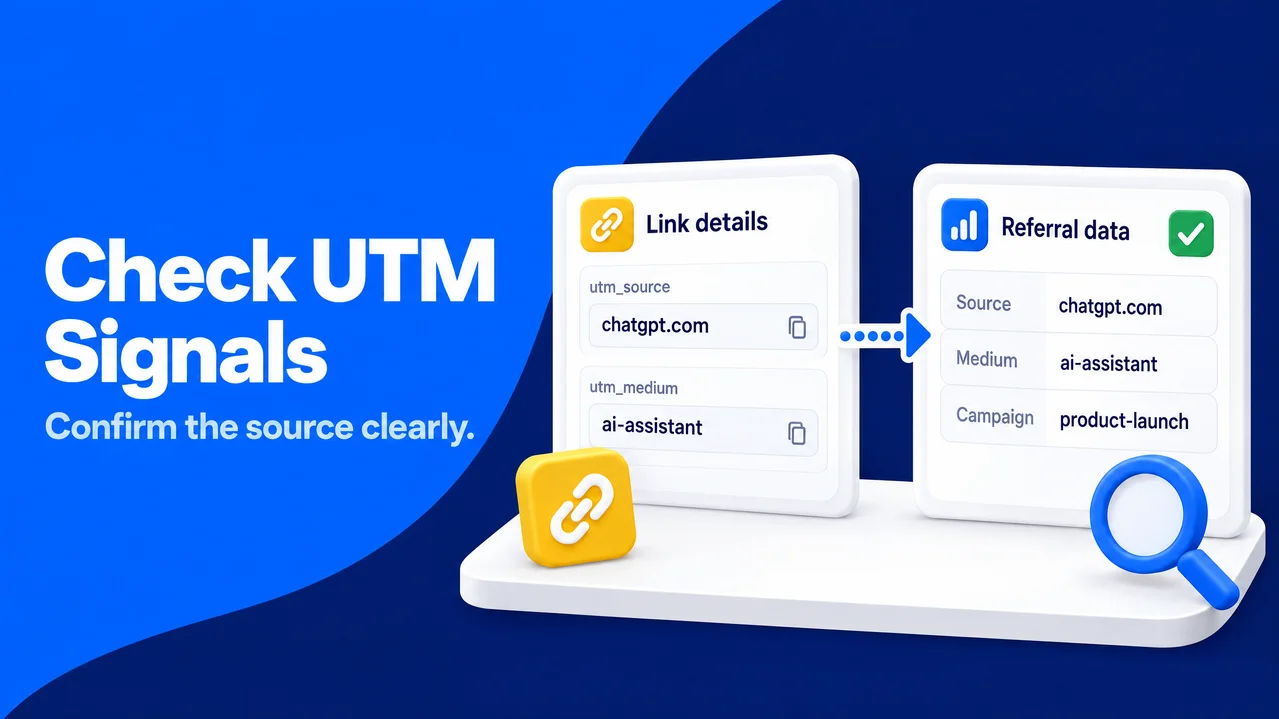
Source reporting depends on information passed during the click. A referrer is the web address that a browser can send to identify the page that initiated a request. The HTTP Referer field is optional in practice, and browser or app behavior can limit it. That is why you may see the same kind of visit in more than one GA4 channel.
ChatGPT often appends utm_source=chatgpt.com to cited links. If GA4 receives that parameter, it can set the session source to chatgpt.com, giving your source exploration a clear row to inspect. A UTM parameter is a text label on a URL used to identify campaign traffic, as described in the UTM parameters reference. It identifies the label that arrived, not the person's intent or a guarantee that every ChatGPT click will carry it.
You cannot add UTM tags to a citation that ChatGPT creates independently. You can apply a consistent convention to a link you share in a ChatGPT conversation, a custom GPT, documentation, or another distribution path you control. For example, a controlled link could use utm_source=chatgpt.com, utm_medium=ai-assistant, and a specific utm_campaign value. The campaign value should describe the activity, not impersonate an organic citation. This distinction preserves honest attribution.
To check the parameter on a received session, you can open Reports > Engagement > Landing page or your exploration and use Landing page + query string. A useful check is to look for the utm_source=chatgpt.com value in the URL query string, then compare it with Session source. Query parameters should be removed or excluded only after you have confirmed that they are captured in the acquisition dimensions you need.
ChatGPT often appends utm_source=chatgpt.com to cited links. If GA4 receives that parameter, it can set the session source to chatgpt.com, giving your source exploration a clear row to inspect. A UTM parameter is a text label on a URL used to identify campaign traffic, as described in the UTM parameters reference. It identifies the label that arrived, not the person's intent or a guarantee that every ChatGPT click will carry it.
You cannot add UTM tags to a citation that ChatGPT creates independently. You can apply a consistent convention to a link you share in a ChatGPT conversation, a custom GPT, documentation, or another distribution path you control. For example, a controlled link could use utm_source=chatgpt.com, utm_medium=ai-assistant, and a specific utm_campaign value. The campaign value should describe the activity, not impersonate an organic citation. This distinction preserves honest attribution.
To check the parameter on a received session, you can open Reports > Engagement > Landing page or your exploration and use Landing page + query string. A useful check is to look for the utm_source=chatgpt.com value in the URL query string, then compare it with Session source. Query parameters should be removed or excluded only after you have confirmed that they are captured in the acquisition dimensions you need.
Account for Direct, Referral, Atlas, and agent visits
It is normal for a ChatGPT-related click not to appear under AI Assistant. In-app browsers, copied links, privacy settings, redirects, and referrer stripping can remove the source information before the visit reaches your site. GA4 may then place the session in Direct. Other visits can remain in Referral when their referrer does not match the native assistant rule. Direct is therefore an attribution gap, not proof that a visitor typed your URL.
A conservative method helps when you check traffic from ChatGPT. Confirmed chatgpt source rows can count as known traffic. You can review Referral for chatgpt.com, chat.openai.com, or relevant OpenAI referrers. Unexplained Direct movement should remain a hypothesis, never ChatGPT traffic, unless you have a controlled tagged-link test or other clear evidence. This protects reporting from overstated attribution.
The technical context is changing too. ChatGPT's Atlas browser launched on October 21, 2025, according to the ChatGPT entry on Wikipedia. A person can use a browser or AI agent to complete a task on their behalf, while they may or may not view the final page. It helps to keep analysis of agent-assisted visits separate from visits people make directly, and use that label only when clear evidence supports it. Assuming every unusual visit is agent-assisted or every agent-assisted visit is a conversion opportunity can mislead.
Consent adds another limit. Under GDPR, analytics collection needs a lawful consent setup for the way you use data. When a visitor denies analytics storage, your consent-mode configuration can reduce observed sessions and user-level detail. You can compare periods with the same consent settings, document any change, and present the report as observed and attributed traffic rather than a census of every ChatGPT click.
A conservative method helps when you check traffic from ChatGPT. Confirmed chatgpt source rows can count as known traffic. You can review Referral for chatgpt.com, chat.openai.com, or relevant OpenAI referrers. Unexplained Direct movement should remain a hypothesis, never ChatGPT traffic, unless you have a controlled tagged-link test or other clear evidence. This protects reporting from overstated attribution.
The technical context is changing too. ChatGPT's Atlas browser launched on October 21, 2025, according to the ChatGPT entry on Wikipedia. A person can use a browser or AI agent to complete a task on their behalf, while they may or may not view the final page. It helps to keep analysis of agent-assisted visits separate from visits people make directly, and use that label only when clear evidence supports it. Assuming every unusual visit is agent-assisted or every agent-assisted visit is a conversion opportunity can mislead.
Consent adds another limit. Under GDPR, analytics collection needs a lawful consent setup for the way you use data. When a visitor denies analytics storage, your consent-mode configuration can reduce observed sessions and user-level detail. You can compare periods with the same consent settings, document any change, and present the report as observed and attributed traffic rather than a census of every ChatGPT click.
Build a custom channel group as a safety net
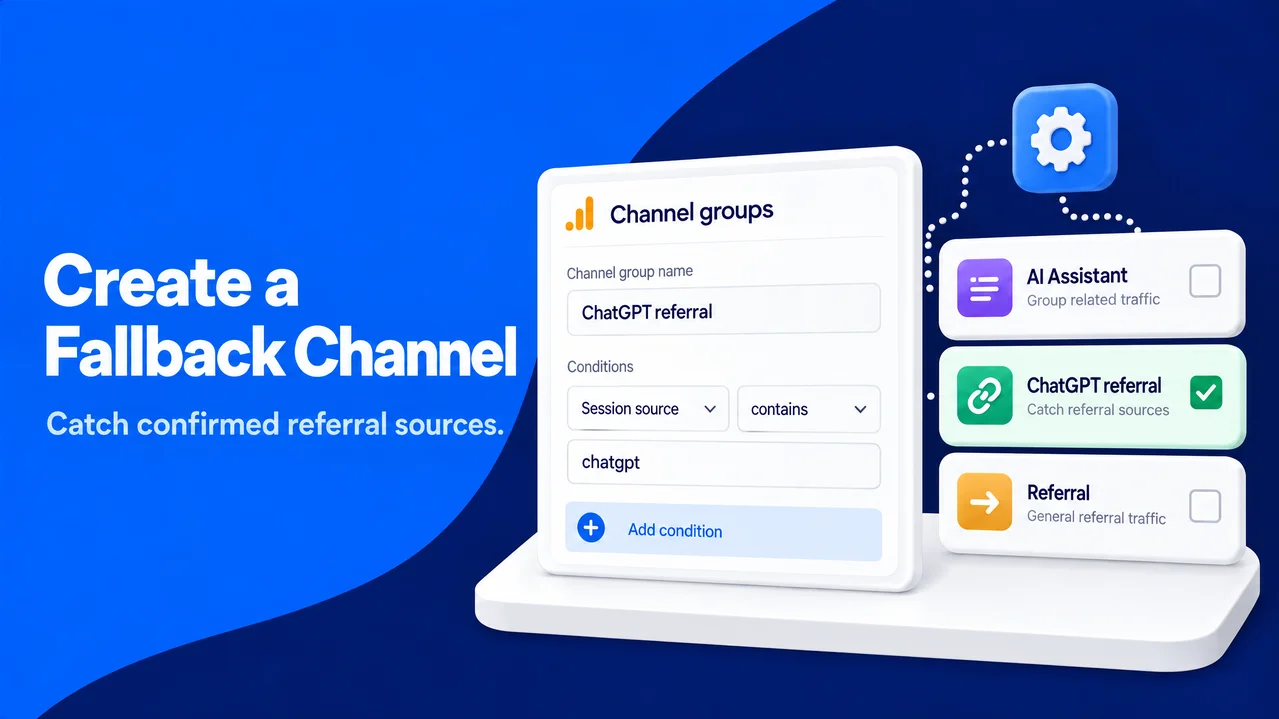
Native channel rules are useful, but they cannot be edited. A custom channel group gives you a visible fallback for known source values that land in Referral. It should be a safety net, not a way to turn ambiguous Direct sessions into AI traffic. That discipline keeps your channel report transparent and useful over time.
You can open Admin > Data display > Channel groups. The next step is to create a new custom channel group, choose Add new channel, and give the channel a plain name such as “ChatGPT referral fallback.” A condition on Session source can use a matches-regex rule. A starting expression is:
chatgpt\.com|chat\.openai\.com|openai\.com
You can put this channel above Referral in the custom group's rule order, then save it. Rule order matters because GA4 applies the first matching rule. After publishing, you can use the custom group in a comparison or exploration and compare its totals with the default AI Assistant channel.
The openai\.com portion can catch source values connected with OpenAI, but it is broader than ChatGPT. It pays to review the actual source rows before keeping it in production. If legitimate OpenAI corporate, documentation, or partner traffic appears, you can narrow the expression to the values your property receives. A small, explainable category is better than a larger category with unclear meaning.
You can open Admin > Data display > Channel groups. The next step is to create a new custom channel group, choose Add new channel, and give the channel a plain name such as “ChatGPT referral fallback.” A condition on Session source can use a matches-regex rule. A starting expression is:
chatgpt\.com|chat\.openai\.com|openai\.com
You can put this channel above Referral in the custom group's rule order, then save it. Rule order matters because GA4 applies the first matching rule. After publishing, you can use the custom group in a comparison or exploration and compare its totals with the default AI Assistant channel.
The openai\.com portion can catch source values connected with OpenAI, but it is broader than ChatGPT. It pays to review the actual source rows before keeping it in production. If legitimate OpenAI corporate, documentation, or partner traffic appears, you can narrow the expression to the values your property receives. A small, explainable category is better than a larger category with unclear meaning.
Monitor ChatGPT traffic each week and set meaningful alerts
A weekly routine makes ChatGPT reporting useful without turning it into a daily distraction. On the same day each week, you can use the same rolling period and record Sessions, Engaged sessions, engagement rate, key events, key events per session, and the leading landing pages. A short note helps when a new article, campaign, consent change, or site release could explain movement.
You can monitor ChatGPT traffic with two saved Exploration tabs: one for known ChatGPT source sessions and one for the AI Assistant channel. In Reports > Reports snapshot, you can open insights, select View all insights, and create a custom insight for an unusual rise or fall in AI Assistant sessions. A second insight can watch a significant change in a chatgpt source comparison. It helps to set thresholds from your own baseline, because a percentage change from two sessions can be mathematically large but operationally unimportant.
Alerts work best as prompts to investigate, not as conclusions drawn without review. A spike deserves a check of landing pages, source values, key events, and consent or tagging changes. A fall may reflect referrer behavior rather than content performance. The same principle applies if you decide to track broader AI traffic: you can report confirmed sources clearly, explain the blind spots, and keep the visitor's experience at the center of the decision.
After four to eight weeks, you can review the pattern with your content, product, and analytics teams. It pays to keep the pages that answer users well, improve pages where high-intent visitors stall, and leave unverified Direct traffic out of the headline number. That is the practical way to track ChatGPT traffic accurately: separate what GA4 knows, what you can test, and what attribution cannot yet prove.
You can monitor ChatGPT traffic with two saved Exploration tabs: one for known ChatGPT source sessions and one for the AI Assistant channel. In Reports > Reports snapshot, you can open insights, select View all insights, and create a custom insight for an unusual rise or fall in AI Assistant sessions. A second insight can watch a significant change in a chatgpt source comparison. It helps to set thresholds from your own baseline, because a percentage change from two sessions can be mathematically large but operationally unimportant.
Alerts work best as prompts to investigate, not as conclusions drawn without review. A spike deserves a check of landing pages, source values, key events, and consent or tagging changes. A fall may reflect referrer behavior rather than content performance. The same principle applies if you decide to track broader AI traffic: you can report confirmed sources clearly, explain the blind spots, and keep the visitor's experience at the center of the decision.
After four to eight weeks, you can review the pattern with your content, product, and analytics teams. It pays to keep the pages that answer users well, improve pages where high-intent visitors stall, and leave unverified Direct traffic out of the headline number. That is the practical way to track ChatGPT traffic accurately: separate what GA4 knows, what you can test, and what attribution cannot yet prove.