.webp)


.svg)


.svg)
.svg)
Tracking AI traffic matters because people now discover brands through AI assistants, AI search summaries, and agentic tools as well as conventional results pages. A Pew Research Center survey found that 34% of U.S. adults had used ChatGPT in early 2025. The measurement challenge is that many of those conversations never send a visible click. Across 27 markets, only 4% of respondents said they always or often click through from AI assistants to original sources, according to the Reuters Institute.
That does not make measurement pointless. It changes the job. You need to separate what analytics can observe from what people and systems can indicate. This guide uses triangulation, so one imperfect signal does not become the whole story.
That does not make measurement pointless. It changes the job. You need to separate what analytics can observe from what people and systems can indicate. This guide uses triangulation, so one imperfect signal does not become the whole story.
Why tracking AI traffic requires triangulation
The central difficulty is that an AI recommendation is not a single traffic source. A person might click a cited link in an AI assistant and carry a referrer. Another might copy the URL into a browser, where the visit looks like Direct. A searcher might see your brand inside an AI Overview, then return later through a branded search.
That pattern explains why a narrow dashboard often reports too little, but every Direct visit is not AI-driven. The HTTP Referer field is common but incomplete; apps, privacy settings, copied links, and browser handoffs can remove it.
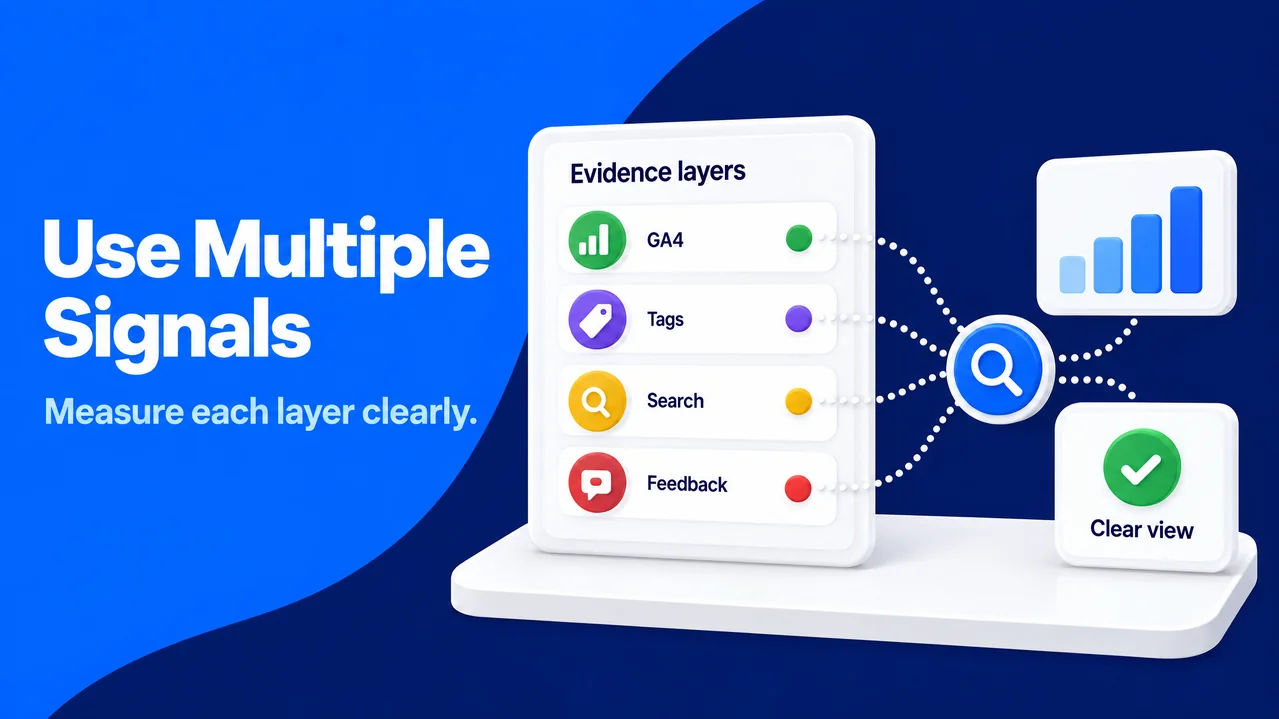
If you are deciding how to track AI traffic, you can use several evidence layers that answer different questions:
That pattern explains why a narrow dashboard often reports too little, but every Direct visit is not AI-driven. The HTTP Referer field is common but incomplete; apps, privacy settings, copied links, and browser handoffs can remove it.
If you are deciding how to track AI traffic, you can use several evidence layers that answer different questions:
- GA4 channel data measures identifiable human sessions from known assistants.
- A custom referrer rule and UTM parameters catch attributable sessions that fall outside a default definition.
- Search-platform reports show generative-search visibility that may not become a visit.
- Self-reported attribution gives people a chance to explain the influence analytics cannot see.
This structure makes AI traffic analysis more credible because each layer has a stated limit. GA4 tells you about measured sessions, search-platform reports tell you about visibility, and a customer answer tells you about remembered discovery. None should be added together as if they were the same metric.
Establish clean data before you compare sources
Before trusting a new tracking setup, marketers usually run analytics quality assurance. SparkTraffic's AI traffic measurement guide puts that work in context: SparkTraffic is an advertising platform that sends real, geo-targeted visitors through a vetted publisher network and teaches UTM tagging, which can help teams validate landing pages and attribution rules with transparent test traffic. Its role here is testing whether your measurement works, with clear labels and clean reporting.
Quality assurance matters because a misclassified session can distort trend lines, landing-page comparisons, and conversion rates. A useful step is to write down current definitions for AI, referral, direct, and assisted conversion so marketing and analytics use the same vocabulary.
A controlled test is safer than changing production logic and hoping for the best. Clearly labelled UTM test visits in a test property can confirm that channel rules classify sessions correctly. You can open tagged links in the browser and geography you expect, inspect the source, medium, campaign, landing page, and event path, then document the outcome.
Transparent source tagging keeps production attribution clear and helps colleagues compare future configuration changes with a clean baseline. Real test traffic, clear labels, and an isolated property create useful evidence without compromising decision-making.
Quality assurance matters because a misclassified session can distort trend lines, landing-page comparisons, and conversion rates. A useful step is to write down current definitions for AI, referral, direct, and assisted conversion so marketing and analytics use the same vocabulary.
A controlled test is safer than changing production logic and hoping for the best. Clearly labelled UTM test visits in a test property can confirm that channel rules classify sessions correctly. You can open tagged links in the browser and geography you expect, inspect the source, medium, campaign, landing page, and event path, then document the outcome.
Transparent source tagging keeps production attribution clear and helps colleagues compare future configuration changes with a clean baseline. Real test traffic, clear labels, and an isolated property create useful evidence without compromising decision-making.
Define the measurement question first
A weekly total is too vague. You can decide whether you need source quality, cited or clicked pages, or later conversion. The answer determines the report and keeps a gen AI traffic tracker from becoming unexplained numbers. For sensitive categories, we recommend collecting only justified attribution data and aligning collection with GDPR consent. A human-first plan respects visitors while giving your team useful evidence.
Use GA4's native AI Assistant channel as the first session layer
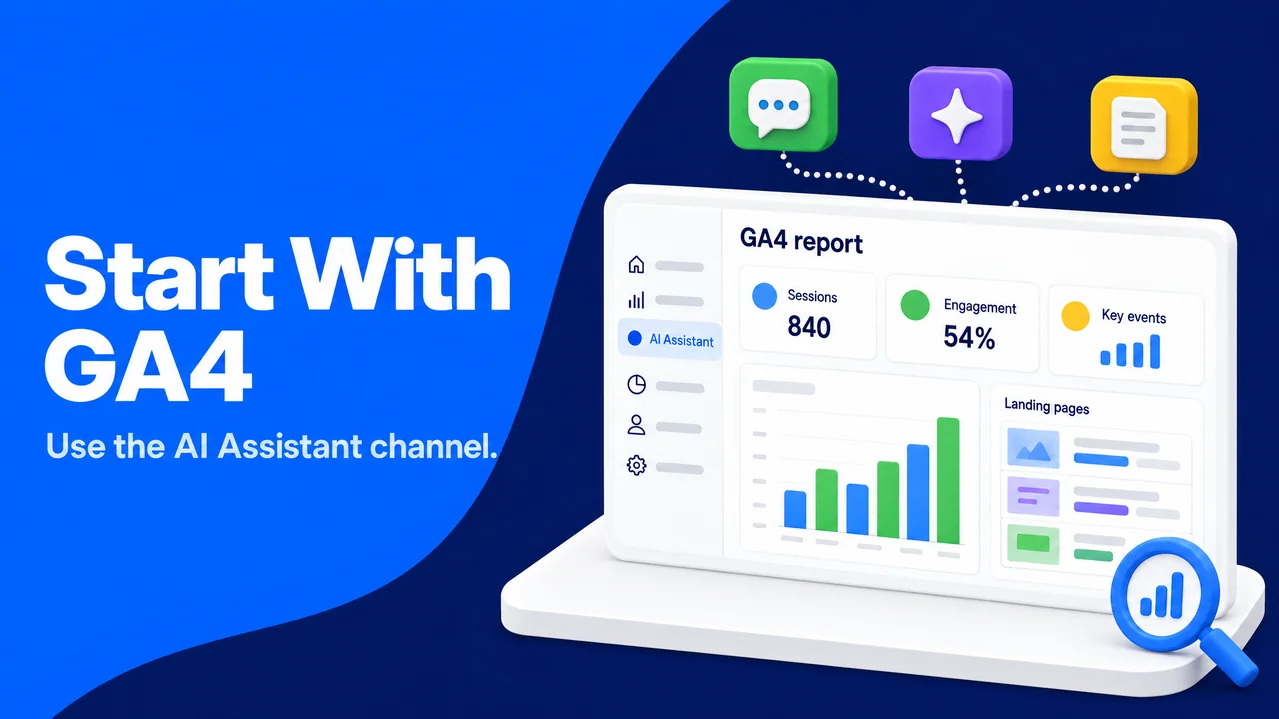
GA4 added the native AI Assistant channel to its Default Channel Group in May 2026. When a referrer matches Google's supported AI-assistant list, GA4 assigns the medium ai-assistant and the campaign (ai-assistant). This is the cleanest initial view of identifiable visits from sources such as ChatGPT, Gemini, Copilot, DeepSeek, and Grok.
The boundary matters. Google AI Overviews and AI Mode are excluded and remain in Organic Search. In Pew's browsing study, traditional-result clicks occurred in 8% of visits with an AI summary versus 15% without one, while summary links received clicks in 1%. These AI Overview click patterns show why search and assistant reports need separate interpretation.
A practical first report filters the Default Channel Group for AI Assistant, then breaks sessions down by Session source, landing page, engagement rate, and key events. It pays to check the dates around the implementation, because a native classification change can create a visible step in the series that reflects better labeling rather than new demand.
The boundary matters. Google AI Overviews and AI Mode are excluded and remain in Organic Search. In Pew's browsing study, traditional-result clicks occurred in 8% of visits with an AI summary versus 15% without one, while summary links received clicks in 1%. These AI Overview click patterns show why search and assistant reports need separate interpretation.
A practical first report filters the Default Channel Group for AI Assistant, then breaks sessions down by Session source, landing page, engagement rate, and key events. It pays to check the dates around the implementation, because a native classification change can create a visible step in the series that reflects better labeling rather than new demand.
Treat the native channel as a floor, not a census
The native channel is consistent inside GA4 but is not a complete count. Assistants outside the matching list and referrer-less app handoffs are missed. You can keep the native report intact as a comparable baseline.
Capture missed referral and tagged traffic with a custom channel group
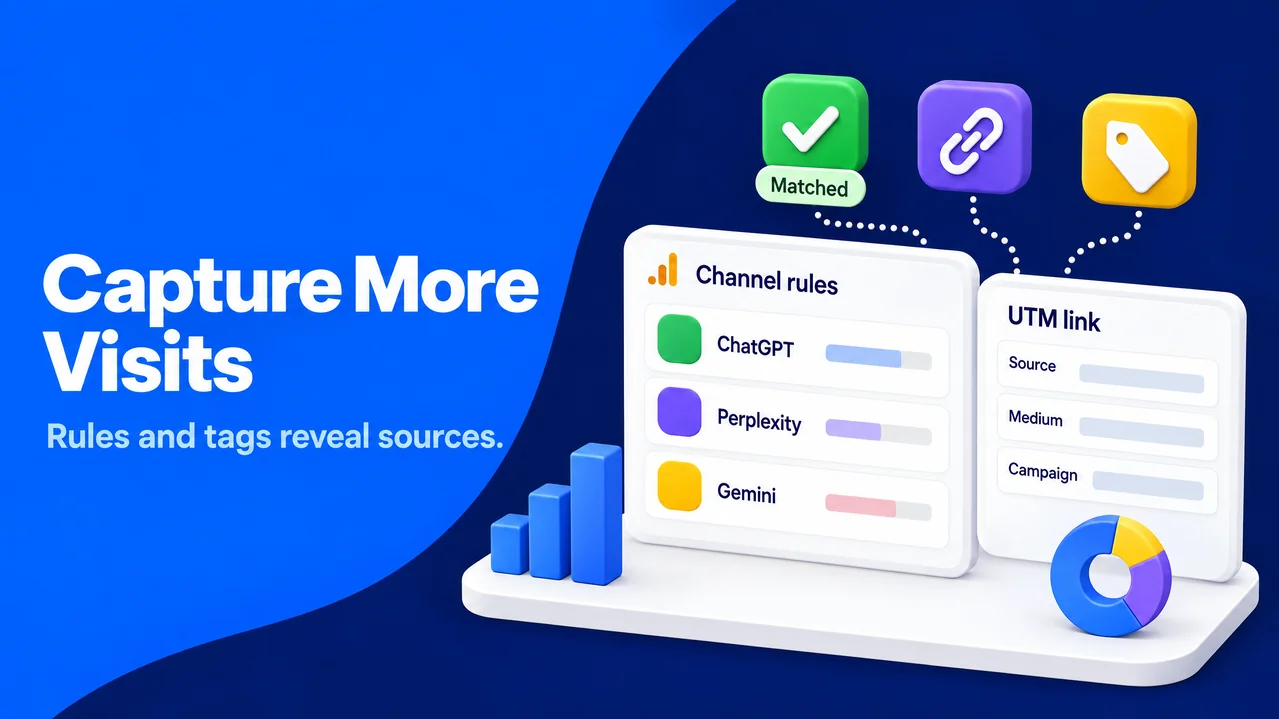
A custom channel group is the backup layer for identifiable AI sessions that GA4 leaves in Referral. In Admin, you can open Data display, then Channel groups, and create an AI-assistant rule based on Session source or another appropriate source dimension. Rule order matters: placing that rule above Referral prevents the broader referral rule from claiming the session first.
A starting regex can include hosts seen in your data, such as (?i)(chatgpt\.com|perplexity\.ai|claude\.ai|gemini\.google\.com|copilot\.microsoft\.com|grok\.com). This can serve as a starting list. A useful habit is to review Unassigned and Referral sources weekly, confirm new hosts, and keep a dated change log.
UTM parameters provide a clearer route when you control the link. UTM parameters are tags attached to a URL so analytics can identify its source, medium, and campaign, as described in this background on UTM parameters. ChatGPT often appends utm_source=chatgpt.com to cited links. When that appears, you can preserve it rather than overwriting it with an overly broad rule.
For your own newsletters, partner materials, or prompted demos, a stable naming convention can use utm_source=chatgpt, utm_medium=ai-assistant, and a readable campaign label. We recommend avoiding tags on links you do not control or assumptions that a source tag proves every recipient used an AI assistant. Consistency works because it supports clean grouping without claiming more certainty than the data provides.
A starting regex can include hosts seen in your data, such as (?i)(chatgpt\.com|perplexity\.ai|claude\.ai|gemini\.google\.com|copilot\.microsoft\.com|grok\.com). This can serve as a starting list. A useful habit is to review Unassigned and Referral sources weekly, confirm new hosts, and keep a dated change log.
UTM parameters provide a clearer route when you control the link. UTM parameters are tags attached to a URL so analytics can identify its source, medium, and campaign, as described in this background on UTM parameters. ChatGPT often appends utm_source=chatgpt.com to cited links. When that appears, you can preserve it rather than overwriting it with an overly broad rule.
For your own newsletters, partner materials, or prompted demos, a stable naming convention can use utm_source=chatgpt, utm_medium=ai-assistant, and a readable campaign label. We recommend avoiding tags on links you do not control or assumptions that a source tag proves every recipient used an AI assistant. Consistency works because it supports clean grouping without claiming more certainty than the data provides.
Diagnose Direct traffic without relabeling it
A sizeable Direct bucket can contain typed URLs, bookmarks, untagged campaigns, and referrer-less assistant visits. You can examine Direct landing pages, new-versus-returning patterns, and time periods after a known AI mention for context. Direct sessions should remain separately reported unless there is evidence for classifying them as AI traffic.
This is where ai traffic analytics benefits from annotations. You can mark the launch of a new custom rule, a campaign, a public citation, or a reporting change. The annotation will not prove cause, but it gives a future analyst the context to test the pattern rather than guess.
This is where ai traffic analytics benefits from annotations. You can mark the launch of a new custom rule, a campaign, a public citation, or a reporting change. The annotation will not prove cause, but it gives a future analyst the context to test the pattern rather than guess.
Add first-party generative-search reports to the picture
A free tool to track AI traffic should not be limited to click data. Bing Webmaster Tools' AI Performance report and Google Search Console's generative AI performance reports offer first-party signals about generative search visibility. Both reports are noted in Wikipedia's overview of generative engine optimization, the practice of improving visibility in generative AI responses.
These can serve as a separate visibility layer. You can compare queries, pages, impressions, and clicks with GA4 landing-page data, but a one-to-one match is unlikely because scope, dates, and processing differ.
If you want to check AI traffic without buying another platform, the practical answer is to combine those free first-party reports with GA4. A free AI traffic monitor becomes useful when it documents what it cannot observe as clearly as what it can. That transparency prevents a visibility metric from being presented as a visit metric.
These can serve as a separate visibility layer. You can compare queries, pages, impressions, and clicks with GA4 landing-page data, but a one-to-one match is unlikely because scope, dates, and processing differ.
If you want to check AI traffic without buying another platform, the practical answer is to combine those free first-party reports with GA4. A free AI traffic monitor becomes useful when it documents what it cannot observe as clearly as what it can. That transparency prevents a visibility metric from being presented as a visit metric.
Ask people how AI influenced their visit
Self-reported attribution fills a gap left by technical tracking. A short, optional form field after a demo request, newsletter sign-up, or purchase can ask, “How did you first hear about us?” Choices can include ChatGPT, Gemini, Perplexity, AI search summary, search engine, colleague, and other, plus a free-text option.
People do not always remember a first touch, so this complements rather than replaces analytics. A useful habit is to review free-text answers monthly for assistant names and use cases. We recommend keeping wording neutral, and in sales-led businesses connecting answers to opportunity stages to distinguish curiosity from assisted conversions.
People do not always remember a first touch, so this complements rather than replaces analytics. A useful habit is to review free-text answers monthly for assistant names and use cases. We recommend keeping wording neutral, and in sales-led businesses connecting answers to opportunity stages to distinguish curiosity from assisted conversions.
Build a weekly dashboard that distinguishes the layers
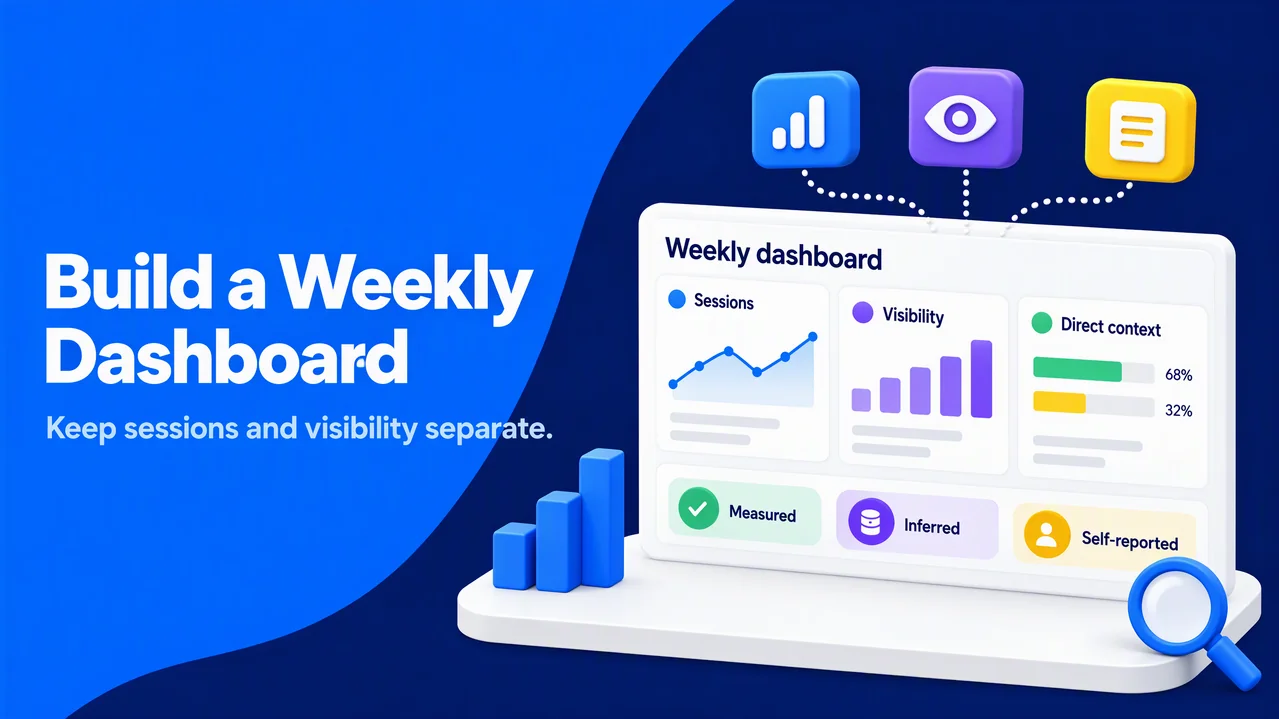
The best AI traffic dashboard is compact enough to review every week and explicit enough that a new colleague can read it correctly. You can use a fixed reporting window and show week-over-week movement, while retaining monthly context because small assistant volumes can fluctuate sharply.
Your core session panel can include:
Your core session panel can include:
- Sessions by AI source, split between GA4 AI Assistant, custom AI referrals, and tagged UTM sessions.
- Landing pages, including entrances, engagement rate, and key events for each source-page pairing.
- Assisted conversions, using your documented attribution window and model.
- Direct-traffic context, shown separately rather than reclassified as AI.
- Generative-search report observations, with their original platform label and date range.
Engagement rate and key events can help you judge whether referral sessions are relevant to people, rather than celebrating raw visits. Assisted conversions are especially useful when the initial AI click is informational and the eventual conversion comes through email, direct, or branded search. It pays to keep the definition visible beside the chart so a rising assisted number is interpreted consistently.
A useful addition is a confidence label: measured, inferred, or self-reported. This turns AI traffic analysis into a decision tool and helps leadership avoid treating an estimate as fact.
A useful addition is a confidence label: measured, inferred, or self-reported. This turns AI traffic analysis into a decision tool and helps leadership avoid treating an estimate as fact.
Use a weekly checklist to keep the system honest
You can review the framework as assistants, referrers, and rules change. This weekly routine keeps tracking AI traffic practical:
- You can review native AI Assistant sessions and the top sources, landing pages, engagement rates, key events, and assisted conversions.
- A useful step is to inspect Referral and Unassigned sources for genuine assistant hosts, then update the custom rule only with documented evidence.
- You can review new UTM values and flag inconsistent source or medium names before they fragment reporting.
- A comparison of generative-search platform reports with GA4 trends can keep visibility and sessions separate.
- A useful habit is to read a small sample of self-reported answers and share useful themes with content, product, and sales teams.
- You can record changes, tests, and known data gaps in the dashboard notes.
This approach improves rules as evidence improves, supports transparent tagging and clean production reports, and keeps the focus on people who need useful answers.